Thank you for writing to us. One of our executive will reach back to you through your submitted medium. In case there’s an urgency, feel free to connect over WhatsApp for faster response.
Prefer calling? Dial +918048073629 (International callers) or 08048073629 (Indian callers).
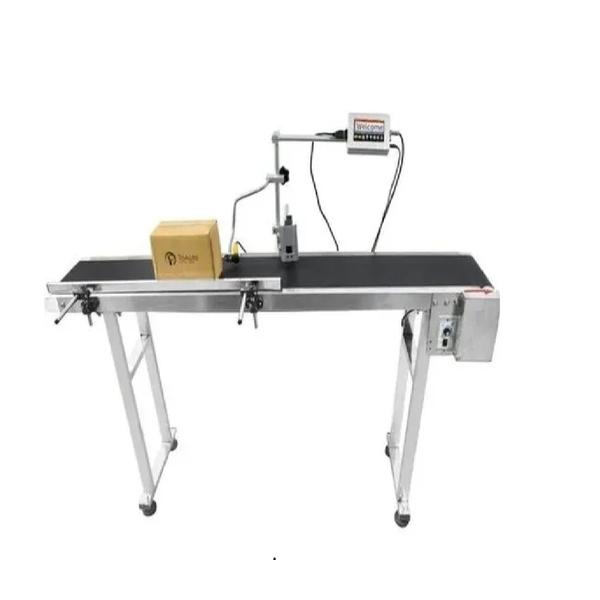
Online Coding Machines for FFS Manufacturers
We are also supply in Andhra Pradesh, Arunachal Pradesh, Assam, Bihar, Chhattisgarh, Goa, Gujarat, Haryana, Himachal Pradesh, Jharkhand, Karnataka, Kerala, Madhya Pradesh, Maharashtra, Manipur, Meghalaya, Mizoram, Nagaland, Odisha, Punjab, Rajasthan, Sikkim, Tamil Nadu, Telangana, Tripura, Uttar Pradesh, Uttarakhand, and West Bengal
Minimum Order Quantity 1 Piece
Operating Temperature Range 100
Font height from 3mm
Inking Medium Ribbon
Body Material aluminums
Production Speed 90 Piece/Min
Printing Speed 60 piece/min
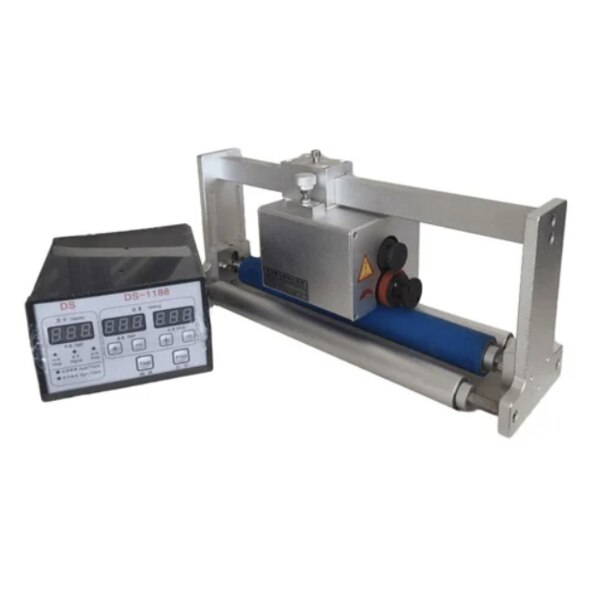
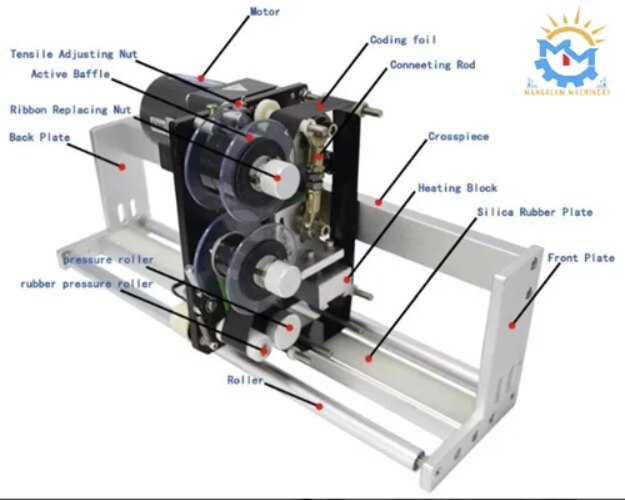
Model Name/Number HP 241 G Codding Machine
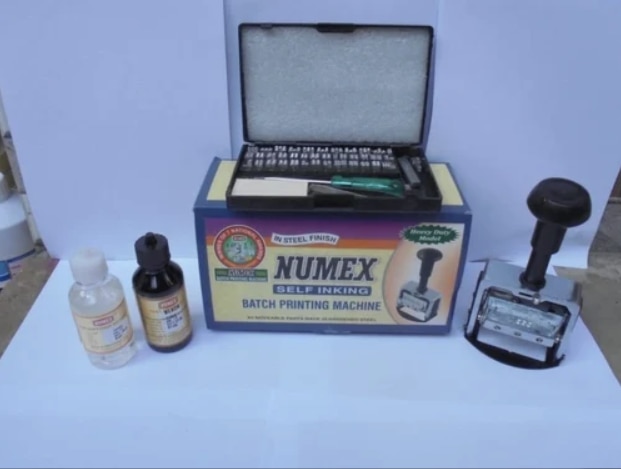
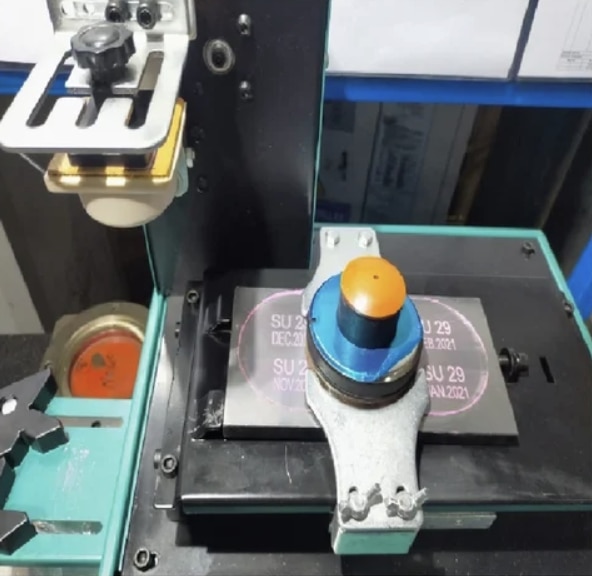
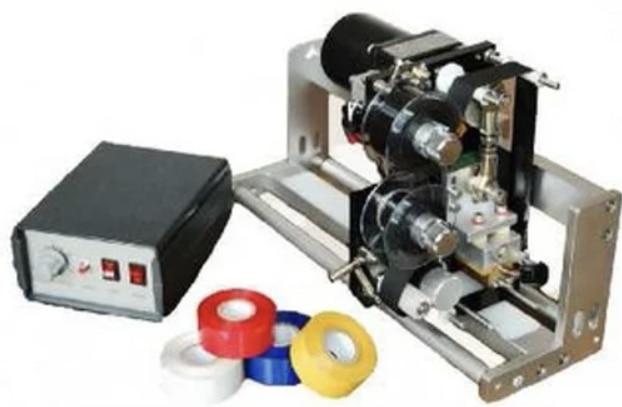
Product Description We are offering Hot Foil Coding Machine to our client for online registered printing of B.No., Mfg.Dt., Exp.Dt., M.R.P. Rs., Ingredients, Sequential Nos. (Agmark, Logos, etc. on any Intermittent Packaging Machine, Oil / Milk Pouch Packing or as Table – Top on labels, pouches, cans, bottles (curvature), etc.
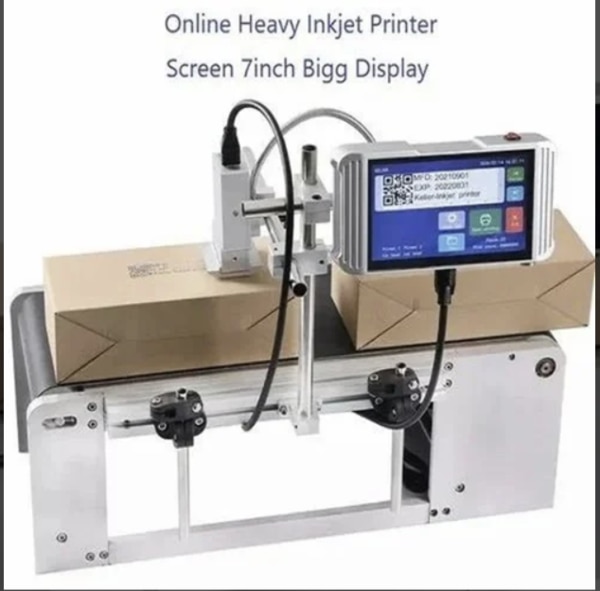
Online Coding Machine Manufacturers
We are also supply in Andhra Pradesh, Arunachal Pradesh, Assam, Bihar, Chhattisgarh, Goa, Gujarat, Haryana, Himachal Pradesh, Jharkhand, Karnataka, Kerala, Madhya Pradesh, Maharashtra, Manipur, Meghalaya, Mizoram, Nagaland, Odisha, Punjab, Rajasthan, Sikkim, Tamil Nadu, Telangana, Tripura, Uttar Pradesh, Uttarakhand, and West Bengal
Minimum Order Quantity 1 Piece
Operating Temperature Range ZERO
Font height from 12.7MM
Inking Medium YES
Printing Medium USE
Body Material IRON
Printing Speed 90 piece/min
MANGALAM MACHINERY DEALING WITH ALL TYPE OF PACKAGING MACHINERY AND MATERIAL HANDLING EQUIEPMENT
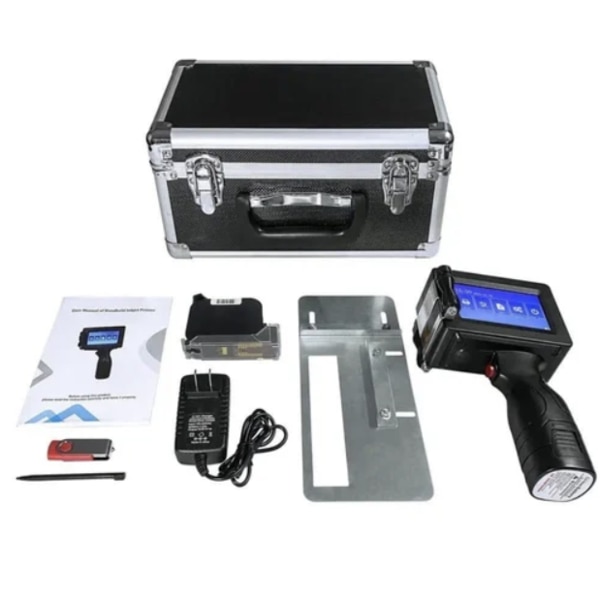
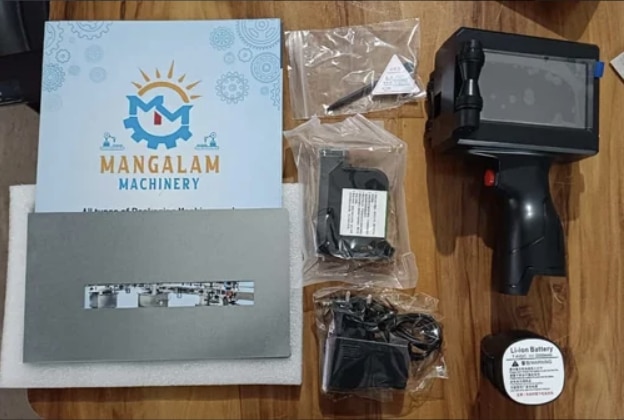
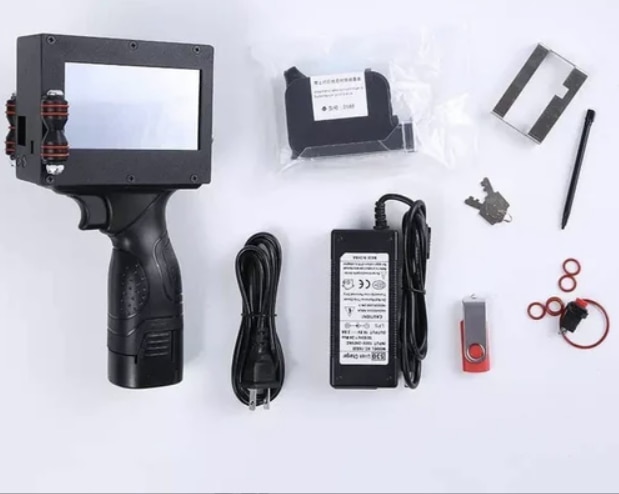
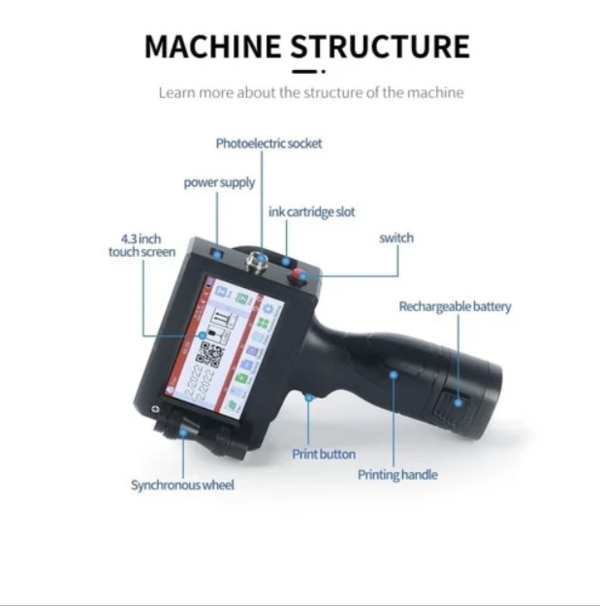
This Hand Codding Machine is First, boot / load print file. Open power, the function keys, 'load file', choosing to spurt the code file, 'sure' (wait 3 seconds) > click on 'print' button (at this point the print button is red, said is printing) Two, edit file. Move to adjust according to write to empty, to edit the 'Edit' function keys 'to file' (wait 2 seconds), pop-up window, enter the text (CN), English (EN), digital symbol, please click on the text, and then click on the white space - > click 'Edit' button, click - > input information (according to en to toggle between symbols, by caps change size), 'complete', jet printing font, size, the information in the white space at the middle, 'file' - > 'save or save as' > input file name (Chinese input), 'OK', 'file', 'exit' edit. If you need to modify the file in the original file: function keys, edit file, file, open, select the file to change '. Three, edit pictures. The function keys, edit pictures ', insert U disk) (file name must be